 Cuttle Mail
iPhone beta, push coming soon
Instant mail from your own server.
Cuttle Mail is a native iPhone app for the mail server you run, or any JMAP host. New mail shows up when it lands, not when iPhone Mail next gets around to checking.

Push
Why your own server feels slow on iPhone
iPhone Mail gets push for some accounts. For the rest it falls back to fetching, and on Apple's default setting your phone only fetches in the background while it's charging and on Wi-Fi. That's from Apple's own support page. You can pick a timer instead, but new mail still waits for the next check.
Cuttle talks to your server over JMAP, the newer open mail protocol (RFC 8620) that servers like Stalwart speak. A JMAP server can tell a client the moment something changes, so there's nothing to poll. iPhone Mail doesn't speak JMAP, which is a big part of why I'm building this.
Mail lands on your server
Stalwart, or any JMAP server that supports push.
Your server pings the relay
A small relay I run turns that ping into an Apple push. It only forwards a wake-up. Your messages never go through it, and it stores nothing.
Apple wakes your iPhone
Through Apple's push service, like any other app's notifications.
Cuttle asks your server what's new
The phone gets the sender and subject straight from your server, then shows the notification.
The relay and the push code in Cuttle's mail engine are built, but today's TestFlight build doesn't send notifications yet. While the app is open, new mail shows up within seconds. Push is coming to the beta soon. IMAP servers can't send that wake-up ping, so IMAP accounts update live while Cuttle is open, and once push ships the app will also check them in the background when iOS gives it time.
What's been tested
An automated suite runs against a local copy of each of these servers before every change goes in. It syncs, reads, archives, sends and undoes, then does it again with dropped connections and slow networks.
| Server | Protocol | New mail | Status |
|---|---|---|---|
| Stalwart | JMAP | Live while open, and the server supports push | Tested |
| Stalwart | IMAP | Live while open | Tested |
| Cyrus | JMAP | Live while open. The version I test has no push | Tested |
| Dovecot | IMAP | Live while open | Tested |
| Anything else | JMAP or IMAP | Depends on the server | Should work, not tested |
Hosted providers aren't in this table yet because none of them has a recorded test pass. Each one goes in when it gets one. The suite last passed on November 27, 2026.
Privacy
No middleman
There's no Cuttle account to make. You sign in to your mail server and the app talks to it directly, so nothing of yours sits on my side to lose or sell.
Stays on your phone
- Your mail
- Messages, attachments and the search index live in the app on your device.
- Your password
- Kept in the iPhone Keychain and sent only to your mail server.
- Usage data
- There's an anonymous usage switch in Settings. Today those events go to your phone's own log and nowhere else.
What leaves it, and where to
- Your mail server
- Everything mail needs, over an encrypted connection.
- The push relay
- A wake-up from your server, passed on to Apple. Nothing stored.
- Senders' own sites
- Cuttle asks a sender's domain for its logo, only when the message passes DMARC. You can turn that off.
- Image hosts
- Remote images load from the sender's servers. Known tracking pixels are stripped first, and you can set images to "Ask every time".
A lot of mail apps work differently. To send you notifications they sign in to your account from their own servers and check your mail for you, which means a company is holding your password or a token to your inbox. Cuttle's push starts at your server, so the app never needs either. The Claude feature further down is the one exception, and it's opt in.
Platforms
iPhone first, then everything else
Cuttle's mail engine is one Rust library that does the real work: sync, offline changes, undo, sending and search. The iPhone app is a native layer on top, and each app after it gets the same engine instead of a rewrite.
- iPhoneThe beta you can join todayBeta now
- iPad and MacLayouts for bigger screensNext
- AndroidA native Android appPlanned
- Web and LinuxFor a browser or a Linux desktopPlanned
No dates yet.
Themes
Make it look like yours
A theme changes the colors, the fonts, the motion when you archive or send, and the little scene you get at inbox zero. Layouts and gestures stay put, and the message you're reading always sits on a solid surface. Try one on this page.
Cuttle, the default. Light and dark, and quiet on purpose. Free.
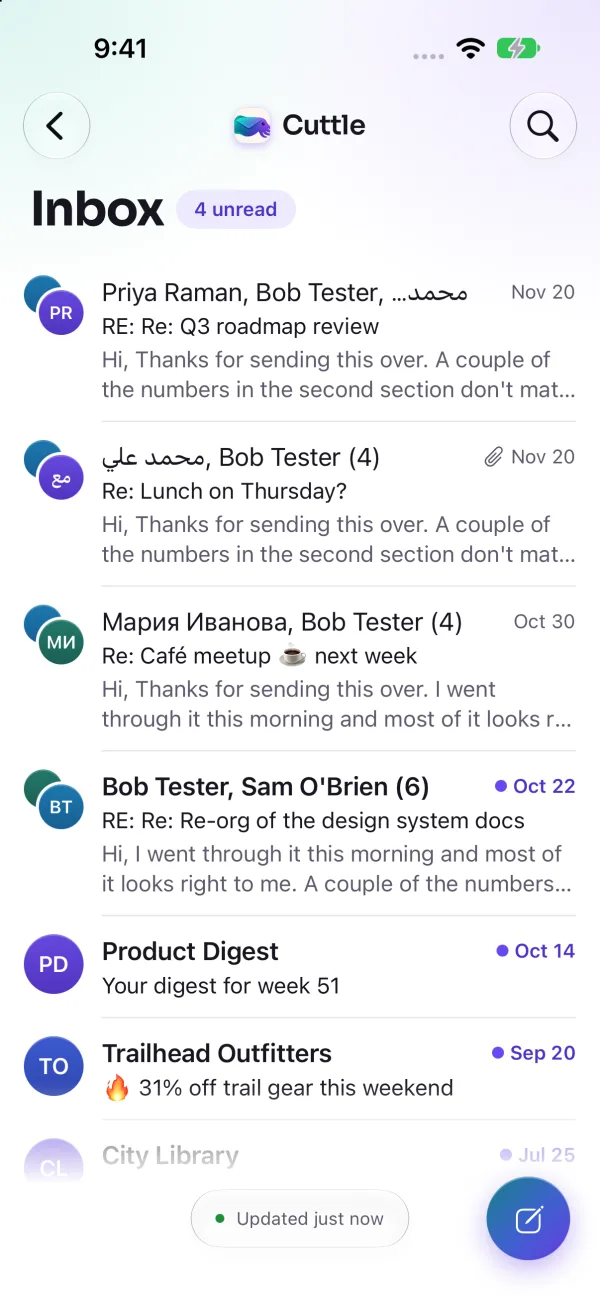
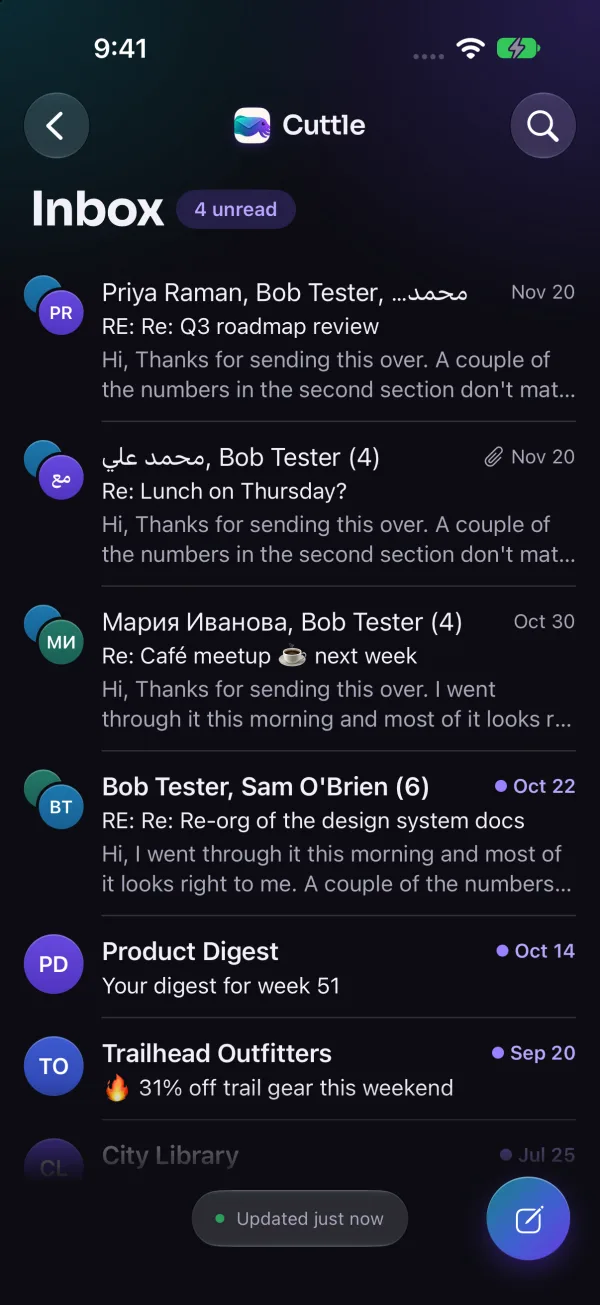
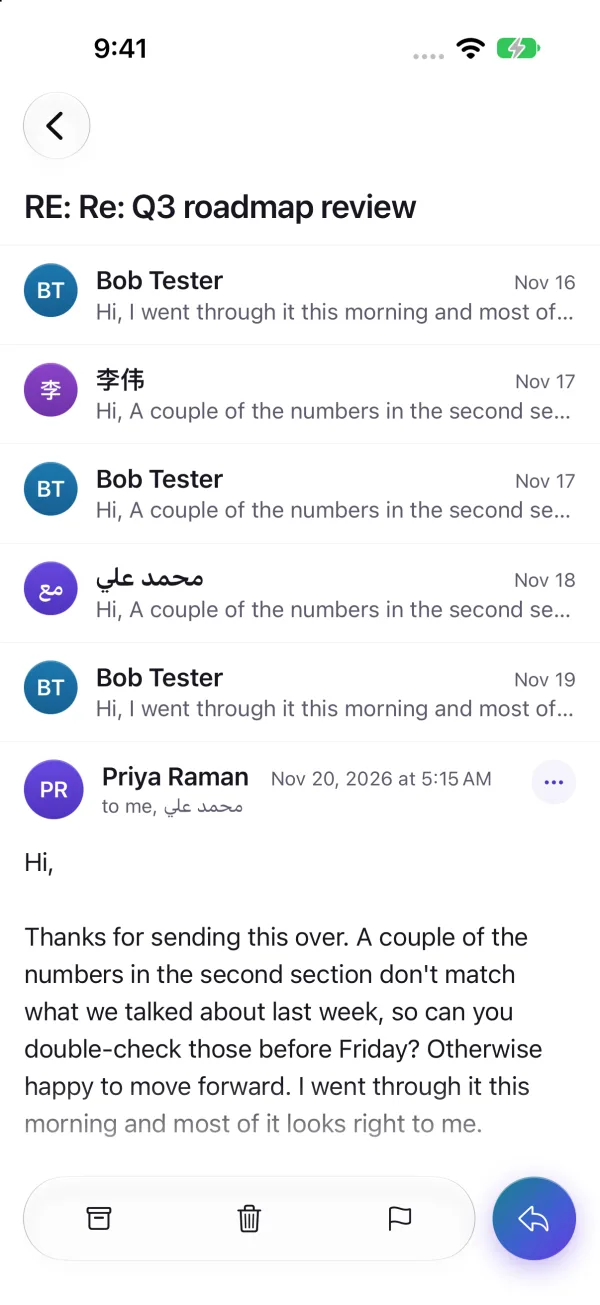
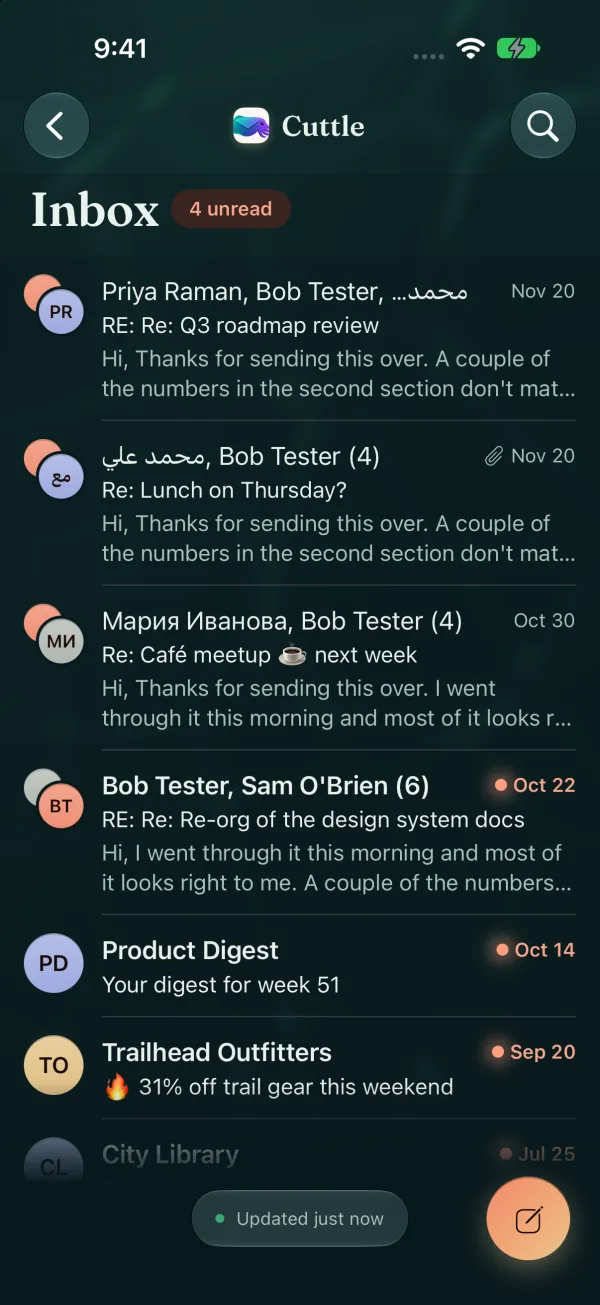
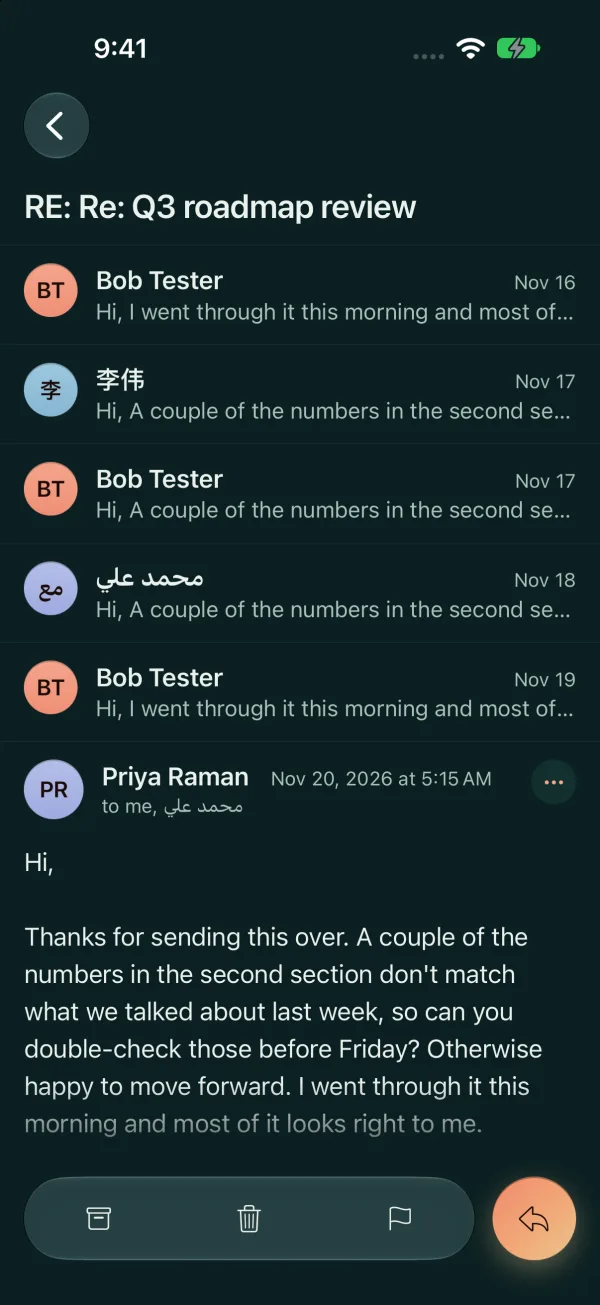
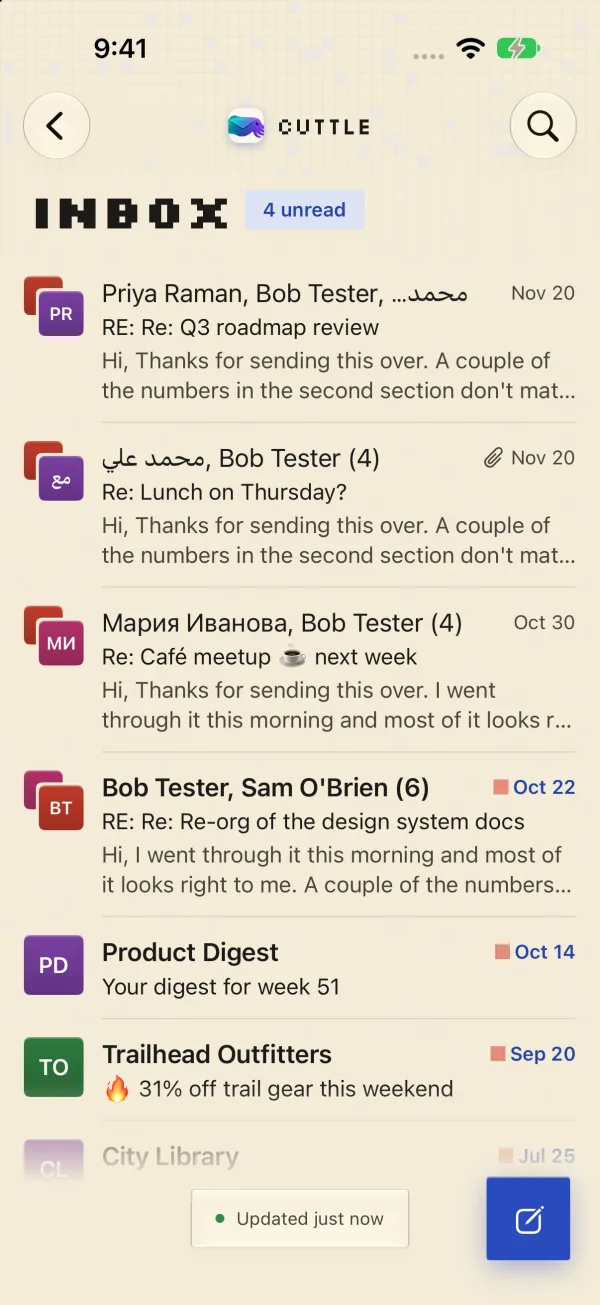
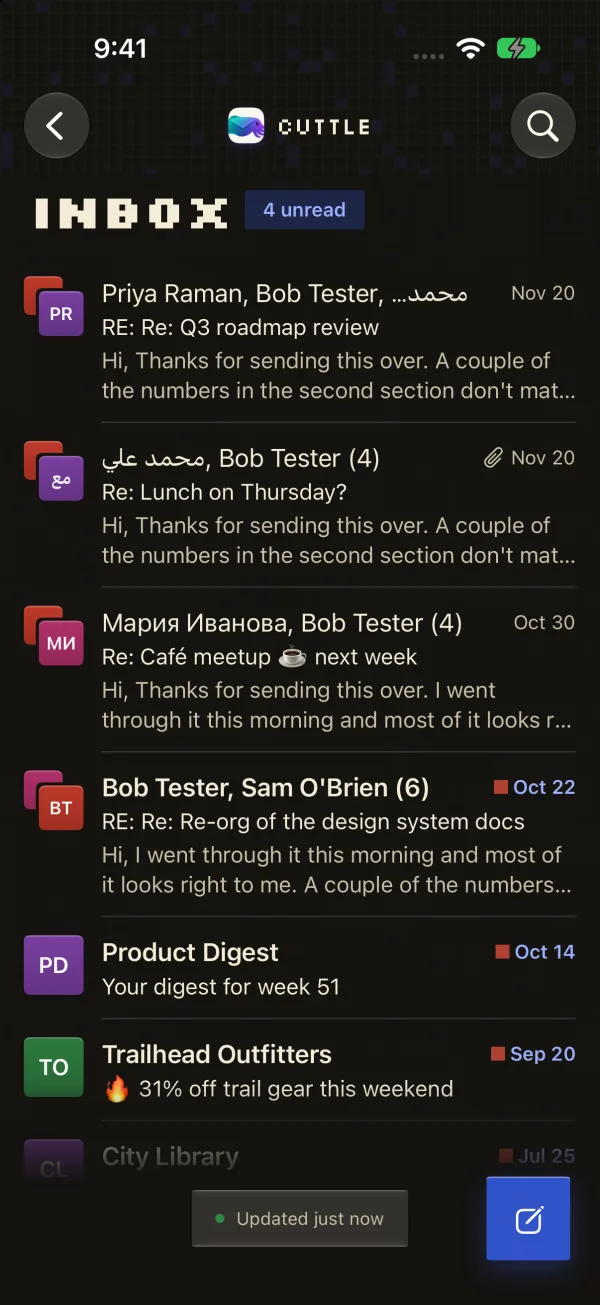
Screenshots are from the current beta, before Cuttle's own colors moved to the sand and terracotta on this page.



Pro gets you every theme past Cuttle, alternate app icons like these, and a theme editor once it's built. During the beta it's all free.
Coming in Pro
Your mail in Claude
Paste one link into Claude, sign in to your mailbox once, and Claude can search, read, sort and draft in your actual mail. It'll work with any host Cuttle can reach, your own server included, and since it's a standard MCP server, other AI apps that speak MCP can use it too. Sending stays a separate step you approve.
Claude can't reach an app on a sleeping phone, so this is the one part of Cuttle that runs on my server. It keeps an encrypted copy of your mail login, never your mail, and it's opt in. None of it is built yet.
- You ask Claude
- Find last month's invoice from the landlord and draft a reply asking about the water bill.
- Claude, through Cuttle
- Searches your mailbox on your server
- Reads the thread
- Saves the reply in your Drafts folder for you to check
Pricing
Free, push included
The app is free. Pro will be an App Store subscription, and I haven't set prices yet.
- Mail, search and pushFree
- The Cuttle themeFree
- Tidepool, Arcade and later themesPro
- Theme editor and alternate iconsPro
- Claude accessPro
Try the beta
Cuttle is in TestFlight for iPhone. Email me and I'll send you an invite, and if you mention which mail host you use, that helps me test it.
I'm Jesse. I've been a product manager at banks for about five years, and Cuttle is my own app, built solo with Claude doing a lot of the engineering. It's a beta, so some things are rough and some are missing. This page tries to say which.